Job Intake
First estimate in minutes
A 24/7 intake assistant for your website. Homeowners answer a few questions and add photos, and you get a job report by email.

- Chat: Hi! I'm the automated intake assistant for Cedar Line Electric. I'll ask a few quick questions so the team has everything they need, then they'll get back to you. What do you need done?
- Customer: I want to add an EV charger in my garage, but I think my panel is too small.
- Chat: Got it. What's the ZIP code where the work would be done?
- Customer: 98042
- Chat: Thanks, that's in the service area. Do you know your main breaker size? It's usually printed on the biggest switch at the top of the panel.
- Customer: I think it says 100.
- Chat: That helps. If you can, add a photo of the panel with the door open and one of the label. You can add up to 5.
How it works
How it works
-
Your customer answers a few questions
On your website, one question at a time, with up to 5 photos.
-
You get the job report
By email, with the details, the photos and questions to ask on the call.
-
You approve the range
The customer sees a price only after you approve it.
Trades
Pick your trade
Each trade has its own questions and photo requests.
-
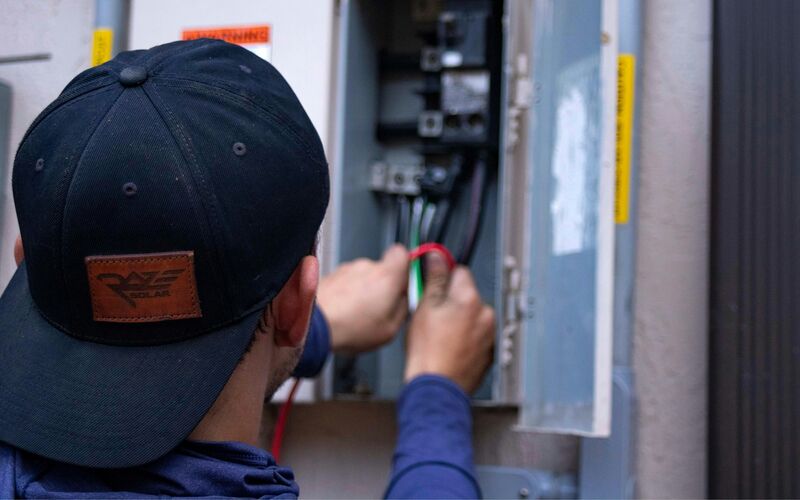
Electrical
Panels, EV chargers, lighting
-
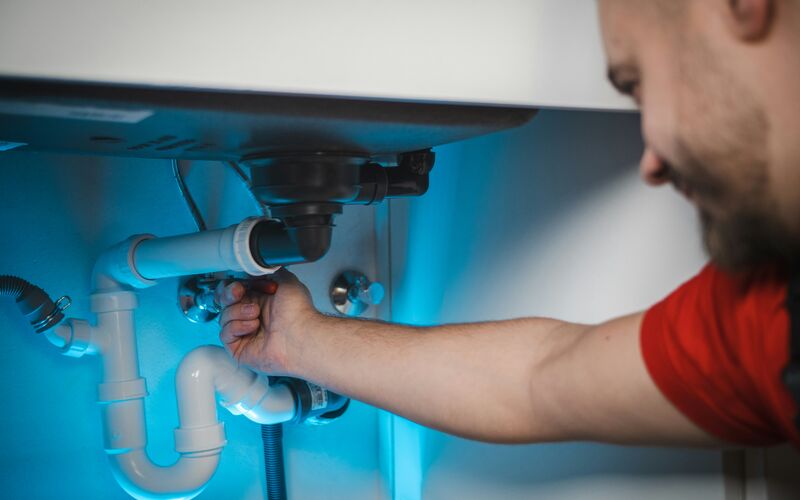 Coming soon
Plumbing
-
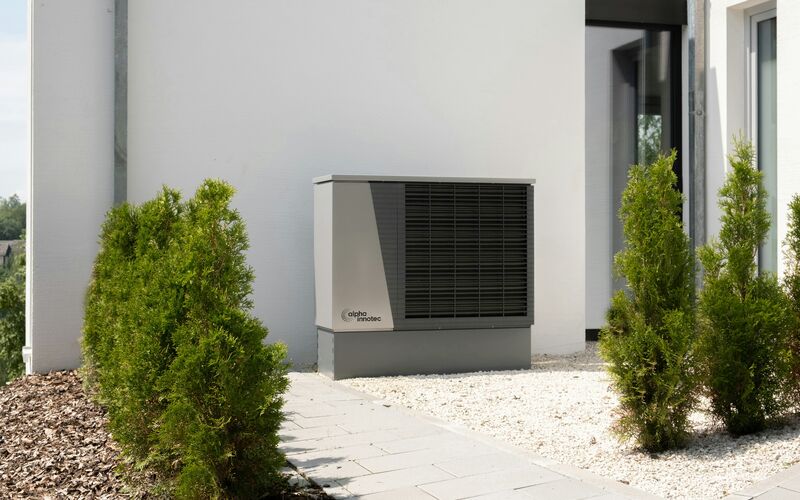 Coming soon
HVAC
-
 Coming soon
Roofing
- Coming soon
Water damage
- Coming soon
Garage doors
- Coming soon
Remodeling
- Coming soon
Siding
- Coming soon
Painting
- Coming soon
Landscaping
- Coming soon
Cleaning
-
More trades
Ask about yours


Live demo
Try it as a customer
Play the homeowner. The job report goes to your inbox, the way your customers' requests would reach you.
- 01Tell us where to send the report
- 02Answer as a homeowner on an example business site
- 03Open the job report in your email
Demo running
You're the homeowner now
Answer the way your customers would. When you send the request, the job report goes to your inbox.
- 01Describe a job, for example an EV charger or a panel upgrade
- 02Add a photo or two from your phone
- 03Send it, then check your email
The demo is open
Check your inbox.
The job report for this demo is on its way to .
The request isn't sent yet.
The job report goes to after you tap Send to the team at the end of the chat.
You've run a few demos today. Come back tomorrow, or book a call and we'll walk you through it.
FAQ
Questions owners ask
Something else on your mind? Ask us when you try the demo.
Will it work with my website?
Most likely. Job Intake is added to your site as a short script tag or a "Get a free estimate" button, and the chat opens on top of your page. If your website lets you add a snippet of code, it can run there. If you are not sure, we check it with you.
Who sees the price?
You do, first. The job report suggests a range from your own price list. The customer sees a price only after you tap Approve and send.
What if it's an emergency?
When a customer types words that point to danger, the chat stops asking questions and shows a card with your phone number and a line to call 911 if anyone is in danger. You get an email marked Possible emergency, with their number when they gave it.
What does setup take?
We set it up with you: your service area, the questions for your trade, your price list and the inbox for job reports. On your website it is one script tag or button.
What happens to customer data?
Each business's requests are stored separately, and the details go only to that business. Photos are kept in private storage, and the link in each job report is signed and expires.
Example screens use fictional businesses and demo data.